
Latest Version
Daniel Lo Nigro
Security
Linux
Free
com.daniel15.wcc
Report a Problem
More About WebCamControl: Manage Linux Camera Settings Easily
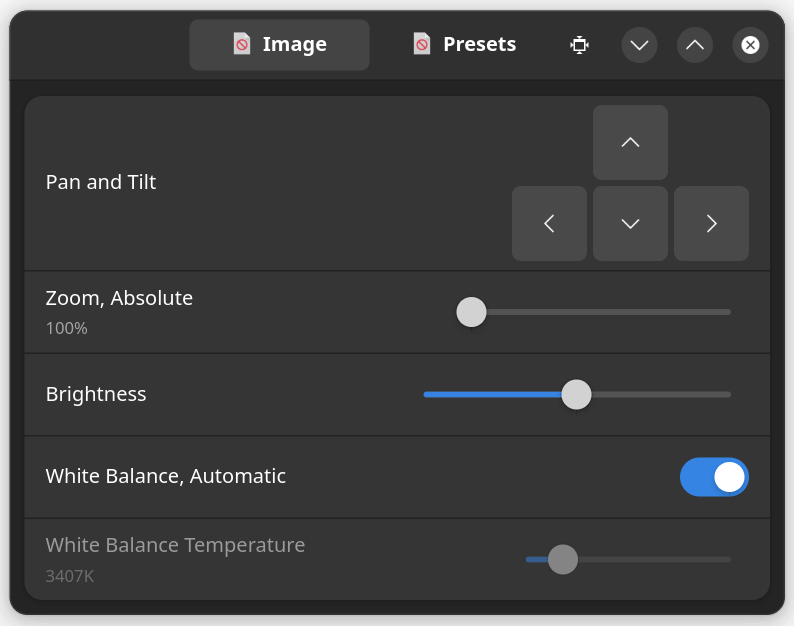
Imagine hosting an important remote presentation or joining a virtual team meeting on your Linux workstation, only to realize your webcam is framed poorly—showing too much of your background and not enough of you. Manually adjusting the hardware is clumsy, and most video conferencing platforms do not offer native pan, tilt, or zoom adjustments. This is exactly where the WebCamControl webcam settings tool steps in to solve your framing frustrations.
Take Control of Your Video Framing
Developed by Daniel Lo Nigro, WebCamControl is a streamlined, modern utility designed specifically for Linux users who need precise control over their camera hardware. Instead of accepting default video configurations, this security and utility application allows you to fine-tune your visual presentation in real time. Whether you need to crop out distracting elements in your room or center yourself in the frame, the intuitive interface makes these adjustments effortless.
Standout Features of WebCamControl
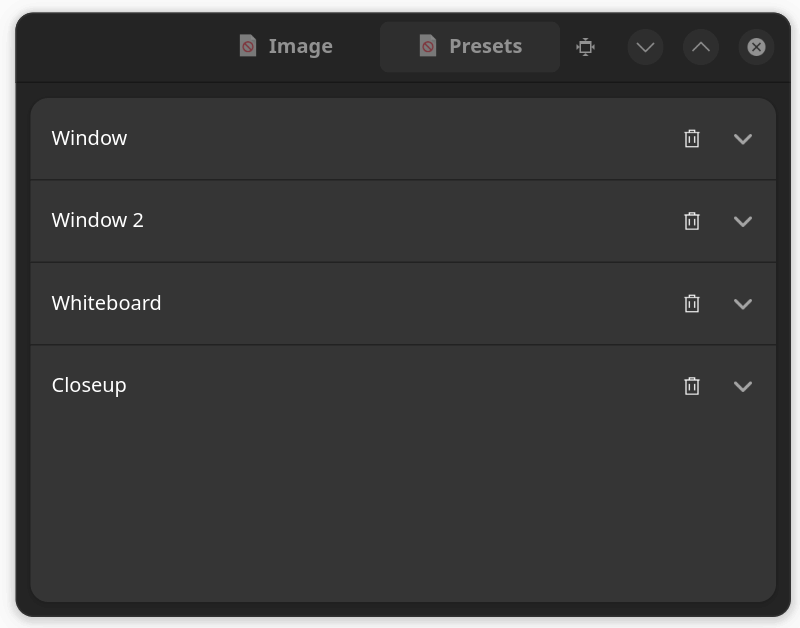
- Unlimited Custom Presets: You can save an unlimited number of pan, tilt, and zoom configurations. This allows you to quickly switch between a tight, professional close-up for business meetings and a wider angle for casual family chats with a single click.
- Non-Exclusive Camera Access: A common pain point with camera configuration software is resource locking. WebCamControl operates with non-exclusive access, meaning you can adjust your WebCamControl webcam settings simultaneously while running video conferencing applications like Zoom, Microsoft Teams, or Google Meet.
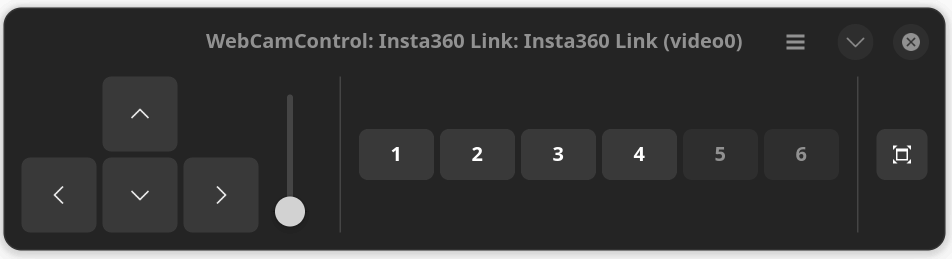
- Clean, Modern Interface: Designed to fit seamlessly into modern Linux desktop environments, the application avoids cluttered menus, offering an accessible layout that gets straight to the point.
Who Is This Application For?
If you frequently participate in virtual conferences, online webinars, or live streams on a Linux operating system, this utility is an essential addition to your toolkit. It is particularly beneficial for remote professionals who require consistent, polished framing without relying on bulky command-line tools or physical camera adjustments. Because it is lightweight, it runs smoothly in the background without draining system resources.
Get Started with WebCamControl
WebCamControl provides an elegant, hassle-free solution to a common desktop Linux challenge. By decoupling camera adjustments from specific chat clients, it gives you universal control over how you present yourself online. To explore this tool and integrate it into your workspace, head over to the official Flathub store page to download and try it on your Linux system today.
Rate the App
User Reviews




Popular Apps









Editor's Choice